Why Convenience Isn’t the Same as Long-Term Security
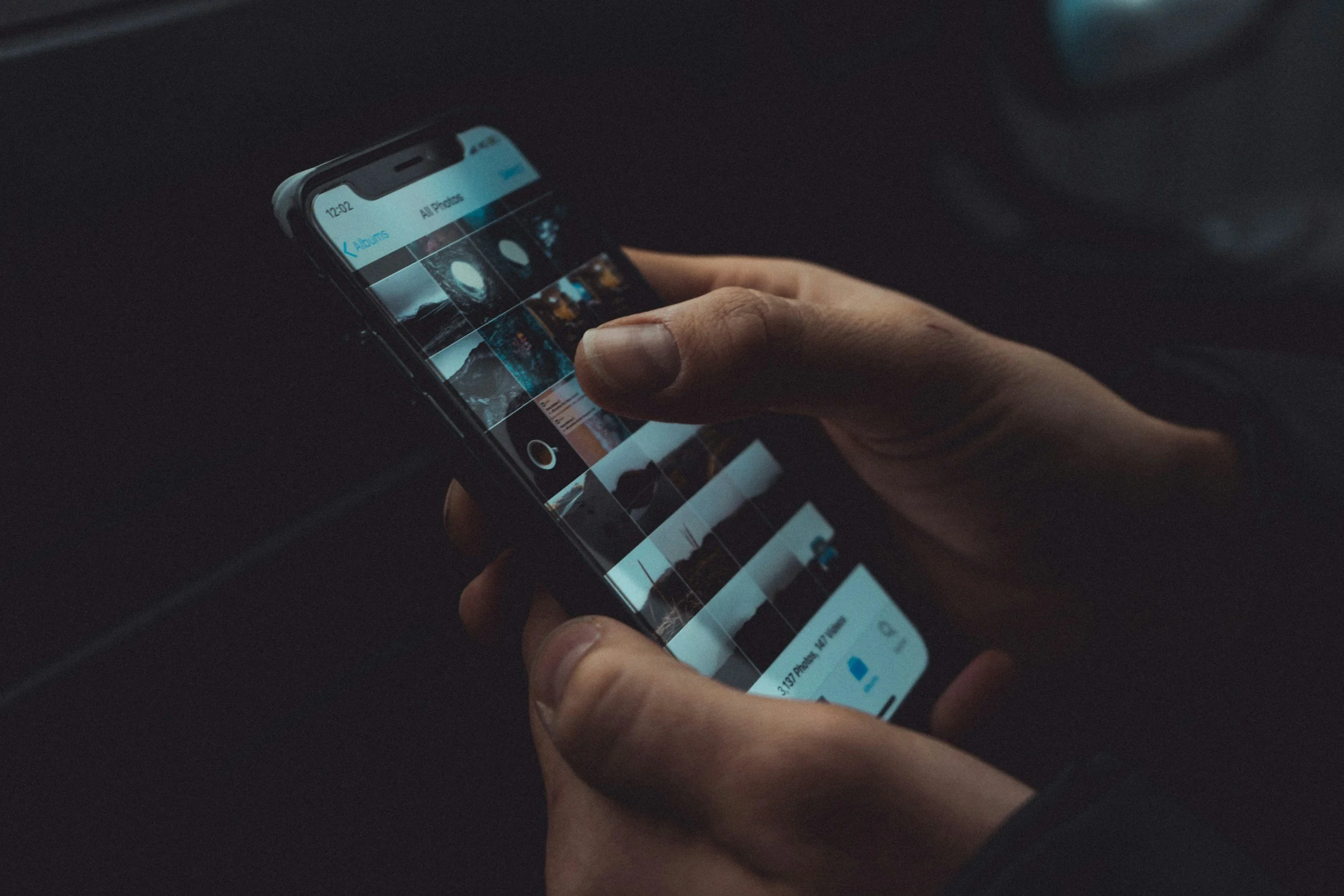
Most Millennials and Gen Z assume the same thing:
“All my photos are on my phone, and they’re backed up to the cloud. I’m good.”
Why Relying Only on Apple or Google Photos Is Riskier Than It Looks
If you’re in your 20s or 30s, chances are your photos live in one place:
Your phone.
And if someone asks if they’re backed up, you’d probably say yes because they’re in Apple Photos or Google Photos. That feels reasonable. Most people stop thinking about it right there. The problem is, cloud photo apps aren’t really designed to hold your life long term. They’re designed to be convenient, not independent, and not permanent.
Apple Legacy Contact Is Useful But It’s All or Nothing
To Apple’s credit, Apple Legacy Contact is one of the more thoughtful digital access tools available today. For many families, it’s far better than having no plan at all.
If you pass away, a designated Legacy Contact can request access to your Apple account and download your data, including your photos and videos stored in iCloud.
That part is clear. What most people don’t realize is how broad that access actually is. When Apple approves a Legacy Contact request, the intent is full account continuity. The system isn’t designed to interpret context, boundaries, or personal intent, it’s designed to transfer data completely.
That means:
Your entire photo and video library
Content stored in Hidden or Locked albums
Private screenshots, recordings, or personal files all become accessible as part of that handoff.
Privacy settings don’t really apply after death. Apple isn’t making judgment calls about what you meant to share versus what you never expected anyone else to see.
For some people, that’s perfectly acceptable. For others, it’s surprising, or uncomfortable, once they understand the scope. This isn’t a failure of Apple. It’s just a limitation of platform-based solutions.
Legacy Contact solves the access problem. It does not solve privacy, curation, or intent.
Where Digital Legacy Studios Fits In
This is where Digital Legacy Studios (DLS) helps, not by replacing Apple, but by adding a layer of stewardship that Apple simply isn’t designed to provide.
We work with clients to make sure:
You retain full ownership of your photos and videos
Your media exists outside a single account
What gets passed on is intentional, not automatic
Privacy is respected, even in the future
Instead of everything being tied to one login and one company’s rules, DLS helps create an independent archive that you control.
That can mean:
Separating personal or private content from what you actually want preserved or shared
Creating a clean, intentional archive outside Apple or Google
Ensuring your photos aren’t trapped inside a platform’s all-or-nothing handoff
Giving you the ability to decide what survives and how it’s accessed
In other words, Apple handles access. DLS handles stewardship.
Ownership, Not Just Access
Platforms are built for convenience and scale. They’re not built to manage nuance, context, or long-term intent.
At DLS, our role is to help you:
Keep using your phone exactly the same way
While also having an independent copy you actually own
With clear boundaries around privacy, control, and future access
Nothing is locked behind a subscription. Nothing disappears if an account changes. Nothing is shared unless you decide it should be.
The Bigger Picture
Apple Legacy Contact is a good tool, and for many people, it’s an important part of the plan. But it works best alongside an independent archive, not as the only solution. Because when your entire life lives inside one account, the system decides what happens next. When your photos live outside the platform, you do.
The Part Nobody Explains About Cloud Photos
Your photos don’t just “exist in the cloud.” They exist inside an account. That means access to your entire photo history depends on:
A login
Recovery information
Automated systems
Policies that change without notice
Most of the time, everything works fine. Until it doesn’t. And when something goes wrong, there’s usually no warning, and no easy fix.
What We See Go Wrong (All the Time)
At Digital Legacy Studios, we help people recover, organize, and safeguard photos and media for a living. We’re based in West Hartford, Connecticut, and we work with people across Connecticut and international.
Here’s what we see more often than you’d think:
Apple or Google accounts getting locked or flagged
Old recovery emails or phone numbers no longer accessible
Phones lost or damaged with incomplete syncs
Shared access breaking during breakups or family changes
Families unable to access photos after someone passes away
In most cases, the photos weren’t deleted. People just couldn’t get to them anymore.
This Isn’t About Panic. It’s About Dependency
This isn’t a “clouds are bad” argument.
Apple Photos and Google Photos are great tools. They’re fast, convenient, and easy to use. Most people should keep using them. The issue is when they’re the only place your photos live.
If your entire photo history depends on one account working forever, that’s not ownership, it’s dependency. And dependency always feels fine… until the moment it doesn’t.
A Simple, Practical Fix: The Photo Safeguard Snapshot
This is why we created a service specifically for people who don’t want to manage photos, organize albums, or think about “legacy.”
It’s called the Photo Safeguard Snapshot.
Here’s what it actually is:
We take a secure, read-only snapshot of everything currently in your Apple Photos or Google Photos
Your photos and videos are exported out of the account
Files are preserved in standard, future-proof formats
You receive an independent copy that isn’t tied to a login
That’s it.
No new apps.
No re-organizing your phone.
No change to how you take photos.
You keep using your phone exactly the same way.
Why This Makes Sense for Younger Generations
Most of our younger clients aren’t worried about “legacy.”
What they are worried about is:
Losing access
Dealing with chaos later
Having to untangle this during a stressful moment
The Photo Safeguard Snapshot is appealing because:
It’s low effort
It’s done once (or once a year)
Removes a quiet risk most people don’t want to think about
It’s less about memories more about peace of mind.
Why We Do This Work Differently
Cloud platforms are built for scale. They treat every file the same.
At Digital Legacy Studios, we think differently. We come from a background of real preservation work, not just storage, and we’ve seen what happens when digital life is left entirely inside platforms that weren’t designed to care about it long term.
We don’t replace Apple or Google. We just make sure your photos aren’t trapped inside them.
One Question Worth Asking Yourself
Take a second and think about this honestly:
If you couldn’t access your Apple or Google account tomorrow, would you still have your photos?
If the answer is “I’m not sure,” that’s not fear, it’s useful information.
Final Thought
Apple Legacy Contact ensures account access and data continuity after death, but it does not distinguish between what was meant to be preserved, shared, or kept private, privacy controls largely end at the moment of account transfer. Apple Photos and Google Photos are great places to live with your photos. They just shouldn’t be the only place your life exists. That’s what the Photo Safeguard Snapshot is for.
